
A suspicious UPI request: what to check before you tap
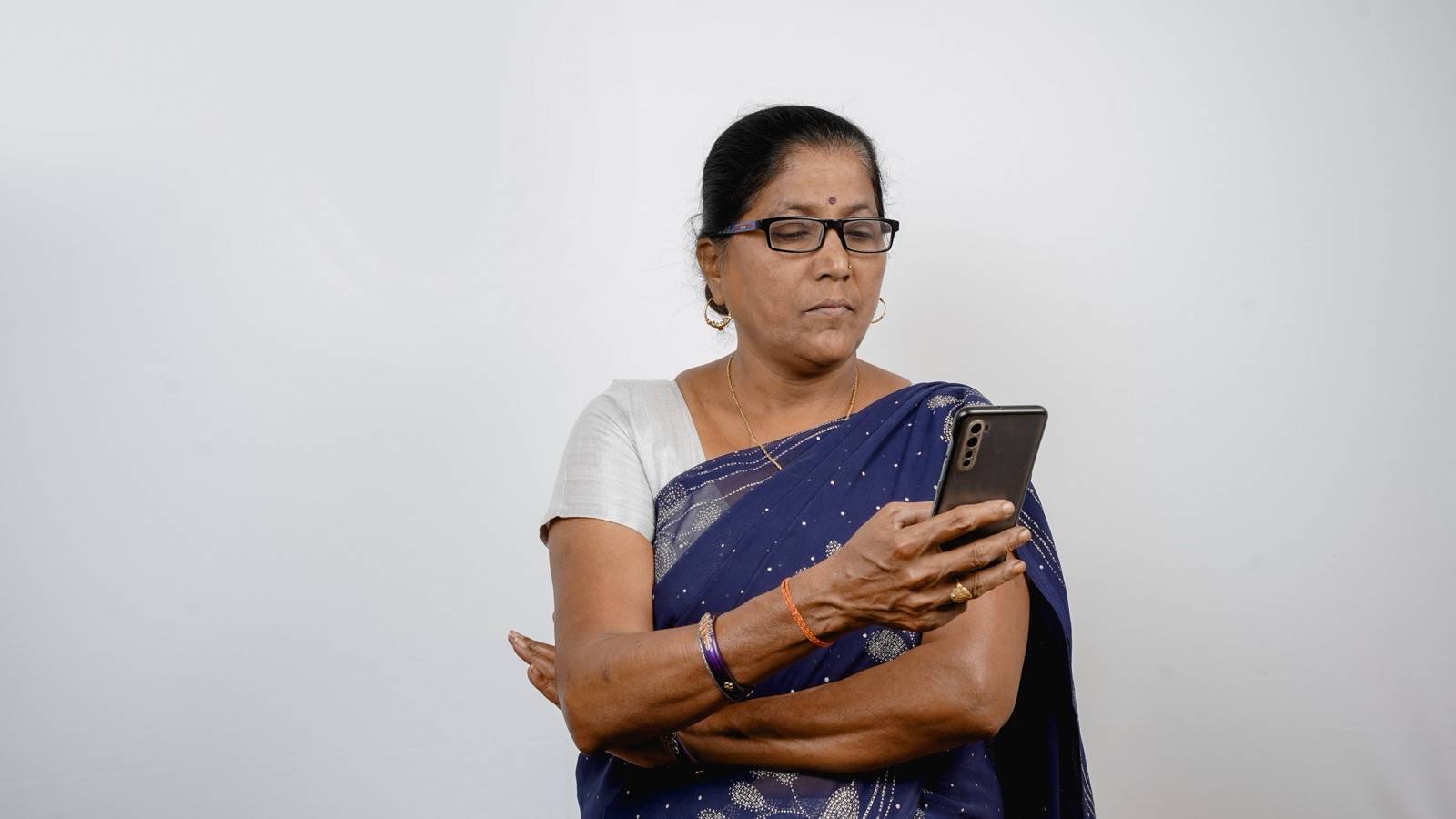
Short answer: You never need to enter your UPI PIN to receive money. Your UPI PIN is the secret number that approves a payment. If someone asks for your PIN or OTP (the one-time code sent by SMS), or asks you to “approve” a request so they can pay you, stop. That’s how money leaves your account. Already lost money? Call 1930 or report at cybercrime.gov.in, and tell your bank straight away. Speed matters for getting money back.
Five common situations
-
“I sent you money by mistake, please return it.” You get an SMS that looks like money has come in. Then someone calls and asks you to send it back. Check the balance in your bank app, not the SMS. Fake credit messages are easy to make. If money really did arrive by mistake, the sender can ask their own bank to recover it through the official complaint process. You don’t need to send anything to a stranger.
-
“Approve this request to receive your refund, prize or cashback.” A request that asks for your UPI PIN takes money out of your account. Receiving money never needs your PIN. Since 1 October 2025, UPI has stopped ordinary person-to-person “collect” requests, where one person asks another to pay. So a request that reaches you now usually comes from a merchant ID, an account set up for a shop or business. Check the name carefully. Fraudsters register business names that look like real companies.
-
“Scan this QR code to get your payment.” Scanning a QR code and entering your PIN is for paying, never for receiving. Selling something on a resale site? A “buyer” who sends you a QR code “to pay you” is almost always a fraud.
-
“This is the police/CBI/customs. You’re under digital arrest.” Real police, CBI, ED, customs officers and judges don’t arrest people on video calls. They also don’t ask for money to “clear your name”. The government’s cybercrime coordination centre (I4C) warns about this scam. Hang up and report it to 1930.
-
“Your account/KYC will be blocked today. Click this link or install this app.” KYC is the identity check your bank keeps on file. Banks don’t ask you to install screen-sharing or remote-access apps, which let someone else see or control your phone. Open your bank’s official app yourself, or call the number on the back of your card. Never use the number in the message.
A 10-second checklist before you tap “Pay”
- Am I paying? If I’m meant to be receiving money, I shouldn’t be typing a PIN.
- Do I know this person or business, and did I start this payment myself?
- Does the UPI app show exactly the name I expect?
- Is anyone rushing me or making me afraid?
- Has anyone asked for my OTP, PIN, card details or a screen-share? If so, stop.
Got a suspicious call or message but lost no money? Report it on Sanchar Saathi → Chakshu at https://sancharsaathi.gov.in. These reports help get fraud numbers blocked.
If you’ve already paid or shared details
- Call 1930 (National Cyber Crime Helpline) or file at https://cybercrime.gov.in, as soon as you can. Quick reports give the best chance of freezing the money, so it can’t move on.
- Tell your bank through its official app, website or helpline. Ask them to block UPI or your card if needed, and write down the complaint number.
- Keep the evidence: screenshots, the transaction ID (UTR, the reference number of the payment), the fraudster’s number or UPI ID, and the time.
- Change your UPI PIN. If you shared any passwords, change those too.
Who bears the loss: what the rules say (check the dates)
- For transactions up to 31 December 2026: RBI rules cover fraud caused by a breach (a security failure) somewhere else in the system, where neither you nor the bank was at fault. Report it within 3 working days and you shouldn’t have to bear the loss. Report later and you may have to bear part of it.
- For transactions from 1 January 2027: new RBI rules give you 5 calendar days (weekends and holidays count) to report and still get this protection. The bank, not you, will have to prove what happened. The rules also add a one-time compensation for smaller frauds: if you lose up to ₹50,000, you may get back 85% of the loss or ₹25,000, whichever is less, once in your life. To qualify, report the fraud to 1930 or cybercrime.gov.in and to your bank within 5 calendar days. This applies to frauds from 1 January 2027.
If you shared your PIN or OTP yourself, you usually carry the loss until you report it. From 1 January 2027, the small-fraud compensation above may still help. That’s one more reason never to share them, and to report fast.
What to check today
- In your UPI app, look at your linked bank accounts and remove any you don’t use.
- Check your daily UPI limit in your bank app. A lower limit can reduce the damage from a fraud.
- Save 1930 in your phone contacts as “Cyber Fraud Helpline”.
Sources and review
- NPCI — UPI Safety Shield: https://www.npci.org.in/safety-feature (editor: open in a browser to confirm; blocks automated checks)
- National Cyber Crime Reporting Portal: https://cybercrime.gov.in
- Sanchar Saathi (Chakshu): https://sancharsaathi.gov.in
- RBI — customer liability in unauthorised electronic banking transactions (2017 circular: https://www.rbi.org.in/commonman/english/scripts/Notification.aspx?Id=2336 ; now in the Responsible Business Conduct Directions 2025: https://rbi.org.in/Scripts/BS_ViewMasDirections.aspx?id=13140 ; amendment effective 1 Jan 2027, RBI press release 24 Jun 2026: https://www.rbi.org.in/scripts/BS_PressReleaseDisplay.aspx?prid=63011)
- RBI Kehta Hai awareness: https://rbikehtahai.rbi.org.in/
Educational information, not financial advice. Found an error? Tell us → · Corrections log